
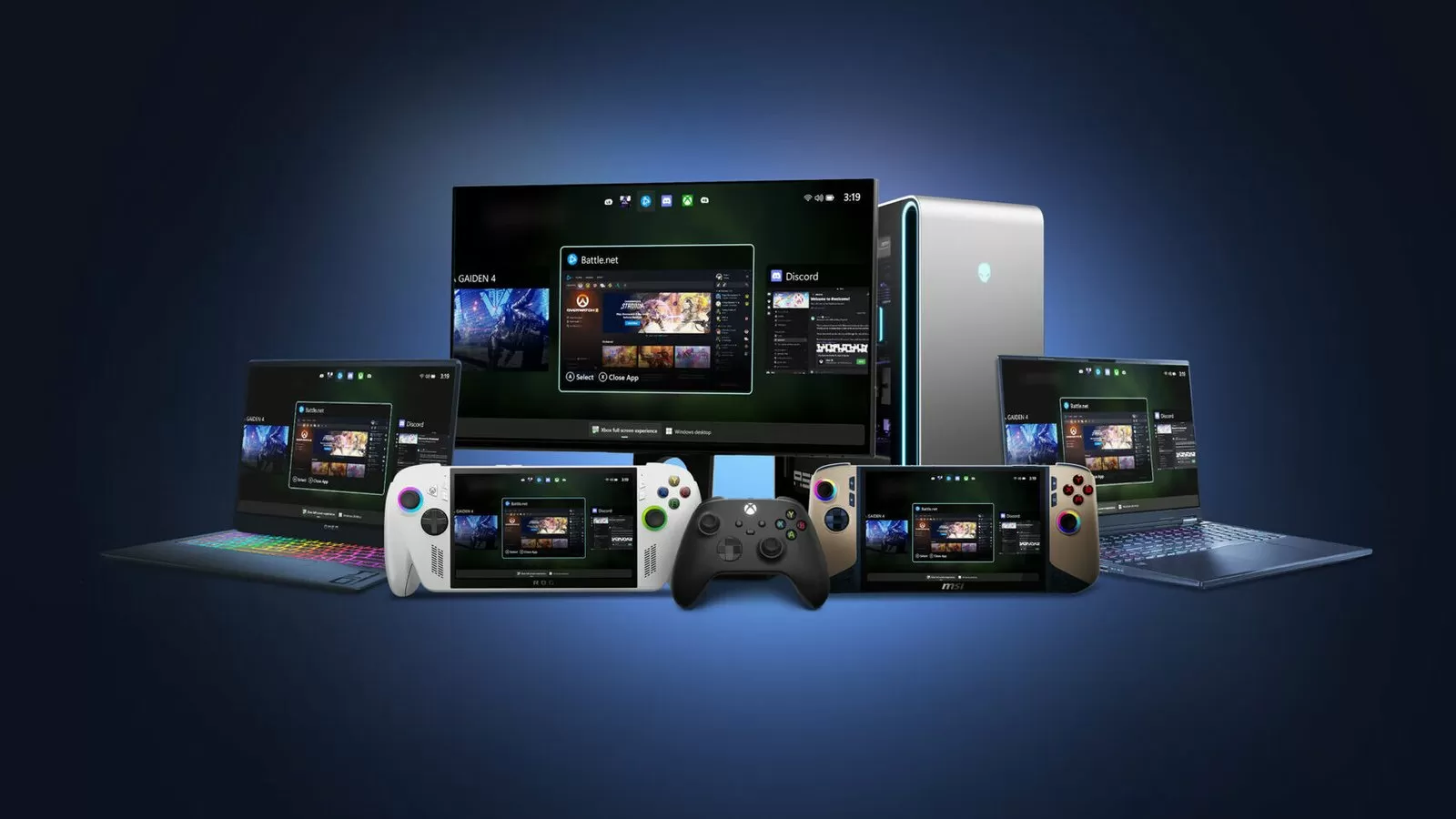
Microsoft has recently announced exciting news for gamers and Windows users alike. The company is bringing the popular Xbox Full Screen Experience (FSE) to a wider range of devices with its latest Windows 11 Insider Preview rollout. This feature was previously only available for third-party handheld systems but can now be accessed on regular desktop and laptop PCs running the Insider Preview Build 26220.7271 (KB5070307) in the Dev and Beta channels. This is great news for gamers who want to have an immersive gaming experience on their PC.
The Xbox Full Screen Experience allows users to play their favorite Xbox games on their Windows 11 PC in full-screen mode. This means that you can enjoy your games without any distractions from the taskbar or other open applications. This feature is perfect for those who want to have a more focused and immersive gaming experience.
The update that brings the Xbox Full Screen Experience to Windows 11 PCs is currently in the Dev and Beta channels of the Insider Preview program. This means that it is not yet available to the general public, but Microsoft is working to make it available to everyone in the future. It is important to note that this feature is still in its testing phase, so there may be some bugs or issues that need to be addressed before its full release.
With this new update, users can now access the Xbox Full Screen Experience on their regular desktop and laptop PCs. This is a major step towards making the FSE available to a wider audience. Previously, this feature was only available on third-party handheld systems, which limited its accessibility. Now, with the Insider Preview rollout, more users will be able to enjoy the FSE on their Windows 11 PCs.
So, how does the Xbox Full Screen Experience work? It is quite simple. With this feature, users can launch their Xbox games directly from their PC’s game library. The game launches in full-screen mode, providing an immersive gaming experience. Users can also access game settings, achievements, and other Xbox features while playing in full-screen mode. The FSE allows users to easily switch between different games without having to exit the full-screen mode, making the gaming experience seamless.
The Xbox Full Screen Experience is also customizable to suit your preferences. Users can resize the window, change the position of the window, and even pin it to a particular part of the screen. This allows for more flexibility and customization while gaming.
For those who are worried about performance, the Xbox Full Screen Experience does not affect the game’s performance on your PC. Games will still run smoothly and without any lag, ensuring a seamless and enjoyable gaming experience.
In addition to the FSE, the latest Insider Preview update also brings some other exciting features to Windows 11. This includes improvements to the Start menu, Taskbar, and more. The update also includes bug fixes and other stability improvements, making it a must-have for Windows 11 users.
In conclusion, Microsoft’s decision to bring the Xbox Full Screen Experience to Windows 11 PCs is a major win for gamers. With this feature, users can now enjoy their favorite Xbox games in full-screen mode on their regular desktop and laptop PCs. The FSE is customizable, does not affect game performance, and provides a seamless gaming experience. With this latest update, Microsoft is once again showing its commitment to providing the best gaming experience for its users. We can’t wait for this feature to be available to the general public, so stay tuned for more updates. Happy gaming!
