
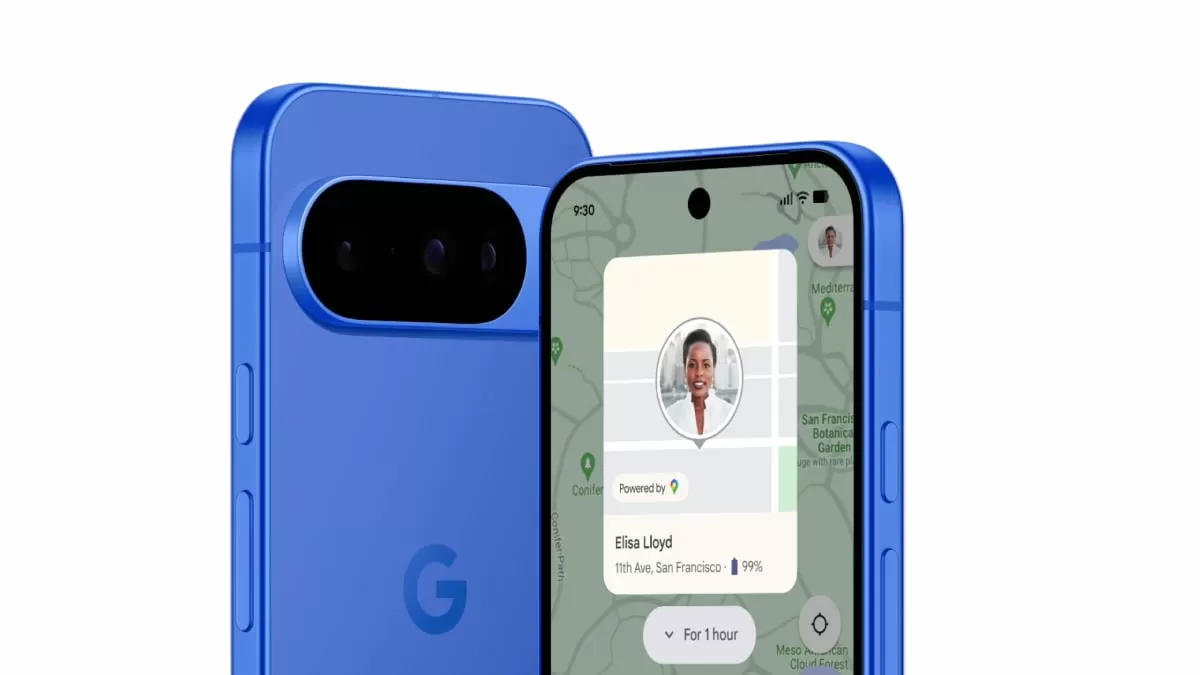
In today’s fast-paced world, our smartphones have become an essential part of our lives. We use them for communication, work, entertainment, and even as a means of storing important information. However, with our busy schedules, it’s not uncommon for us to misplace or lose our phones. This can cause a lot of stress and inconvenience, especially when we have sensitive data on our devices. But thanks to Google’s Find Hub feature, finding, securing, and even erasing a lost Android phone has become easier than ever before.
Google’s Find Hub is a powerful tool that allows you to remotely locate, lock, or erase a lost Android phone using a browser or another device. This feature comes in handy when you can’t remember where you last left your phone or if it has been stolen. With Find Hub, you can rest assured that your personal information remains safe and secure, even if your phone is out of your hands.
To use Find Hub, all you need to do is sign in to your Google account on a browser or another device. Once you have signed in, you can view your phone’s location on a map, make it ring, or secure it with a new lock. This is extremely helpful if you have misplaced your phone at home or in the office. With the ring feature, you can easily locate your phone even if it’s on silent mode. The lock feature allows you to set a new password, making it impossible for anyone to access your phone without your permission.
But what if your phone is not just lost, but stolen? In such a scenario, you can use the erase feature on Find Hub to protect your personal information from falling into the wrong hands. This feature allows you to remotely erase all data on your phone, making it impossible for anyone to access your sensitive information. It gives you peace of mind knowing that even if you can’t retrieve your phone, your personal data is safe and cannot be misused.
However, for Find Hub to work, your phone must meet certain requirements. It needs to be turned on, connected to the internet, and have Find Hub enabled. This means that if your phone is switched off or not connected to the internet, you won’t be able to use the Find Hub feature. But even in such situations, Find Hub offers some assistance. If your phone is offline, it may show the last known location before it went offline. Moreover, nearby Android devices can also help in locating your phone, making it easier to find it.
What makes Google’s Find Hub even more impressive is its ability to work seamlessly with other Google services. For instance, if you have Google Photos enabled on your phone, Find Hub can access your recent photos and use them to help you locate your phone. This feature is extremely useful if you have lost your phone in a crowded place, and you can’t remember where exactly you were when you had it last.
In addition to helping you find your lost phone, Find Hub also allows you to manage multiple devices. If you have more than one Android device linked to your Google account, you can easily switch between them and locate, lock, or erase them, if needed. This is particularly useful for parents who want to keep an eye on their child’s phone or for employers who want to protect their company’s devices.
In conclusion, Google’s Find Hub is an incredibly useful feature that provides peace of mind to Android users. It’s easy to use, highly effective, and works seamlessly with other Google services. With Find Hub, you no longer have to worry about losing your phone or having your personal information compromised. So, make sure to enable Find Hub on your Android devices and never stress about losing your phone again.
